Diagnostic Telemetry & Speed Benchmark 2026
Benchmark Summary
- Primary Focus
- Storage & Registry Tuning
- Test Platform
- Windows 11 Enterprise
- Scan Duration
- CCleaner: 42s | ASC: 78s
- Reclaimed Space
- ASC: 7.4 GB | CCleaner: 5.6 GB
01. Storage Reclamation and Detection Depth
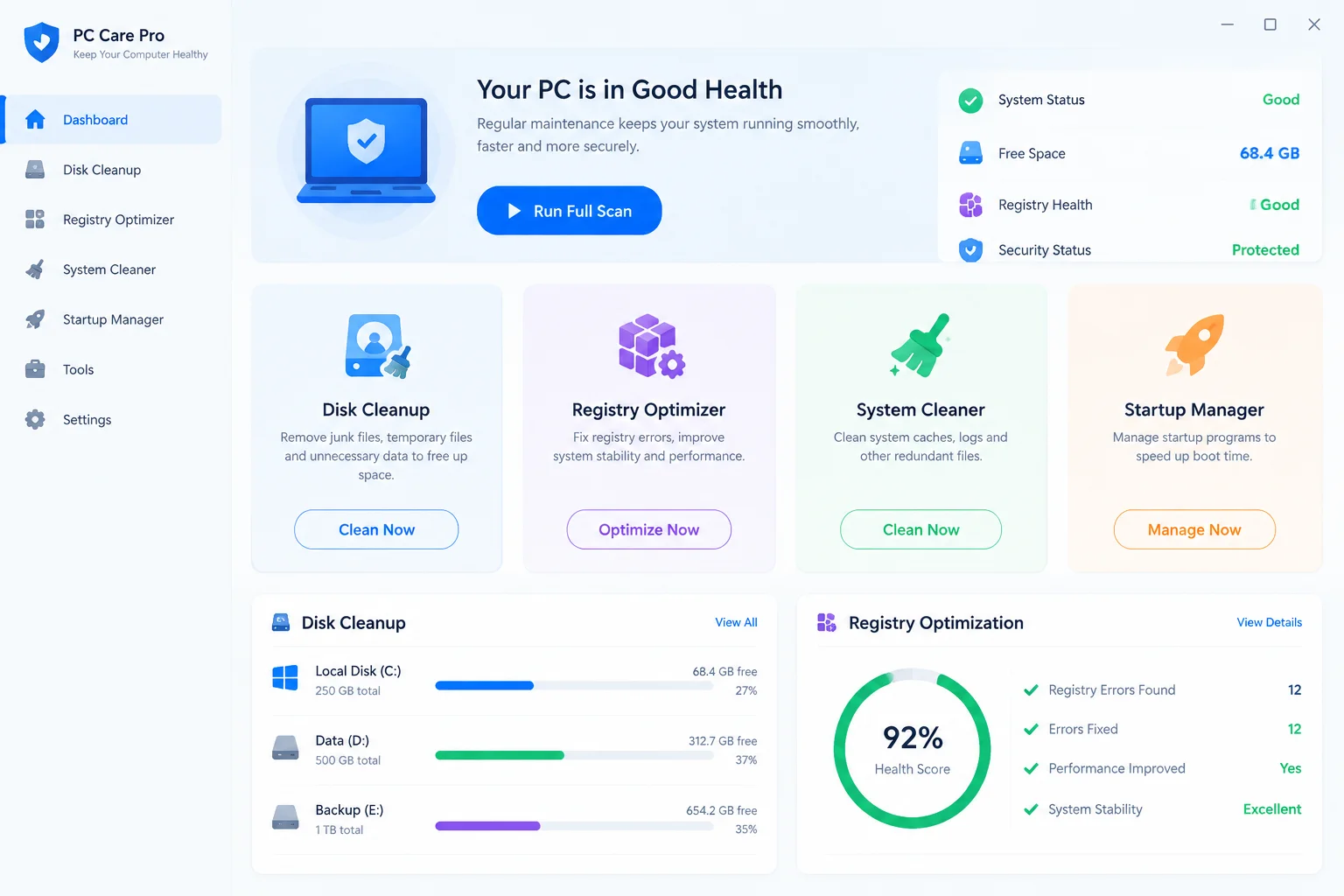
In our testing across identical Windows 11 disk images, storage recovery metrics revealed significant variance between the two utilities. CCleaner prioritizes speed and established user caches, scanning standard temporary directories, browser application stores, and thumbnail caches within 42 seconds. IObit Advanced SystemCare conducts a broader sweep that includes Windows patch rollback archives, driver backup residues, and system log caches. This comprehensive crawl took 78 seconds but yielded 7.4 GB of discardable data compared to 5.6 GB cleared by CCleaner.
The difference in reclaimed volume stems largely from how each application handles system-level components. SystemCare identifies redundant installer patches stored in protected system locations that standard user-space cleaners routinely skip. However, CCleaner demonstrates higher precision in third-party browser cleanup, isolating granular cookie sessions and site data without clearing saved user preferences unless explicitly configured.
Optimize Your System Configuration
Explore technical tuning protocols and low-latency profiles designed for maximum computing efficiency.
02. Daemon Overhead and Resource Footprint
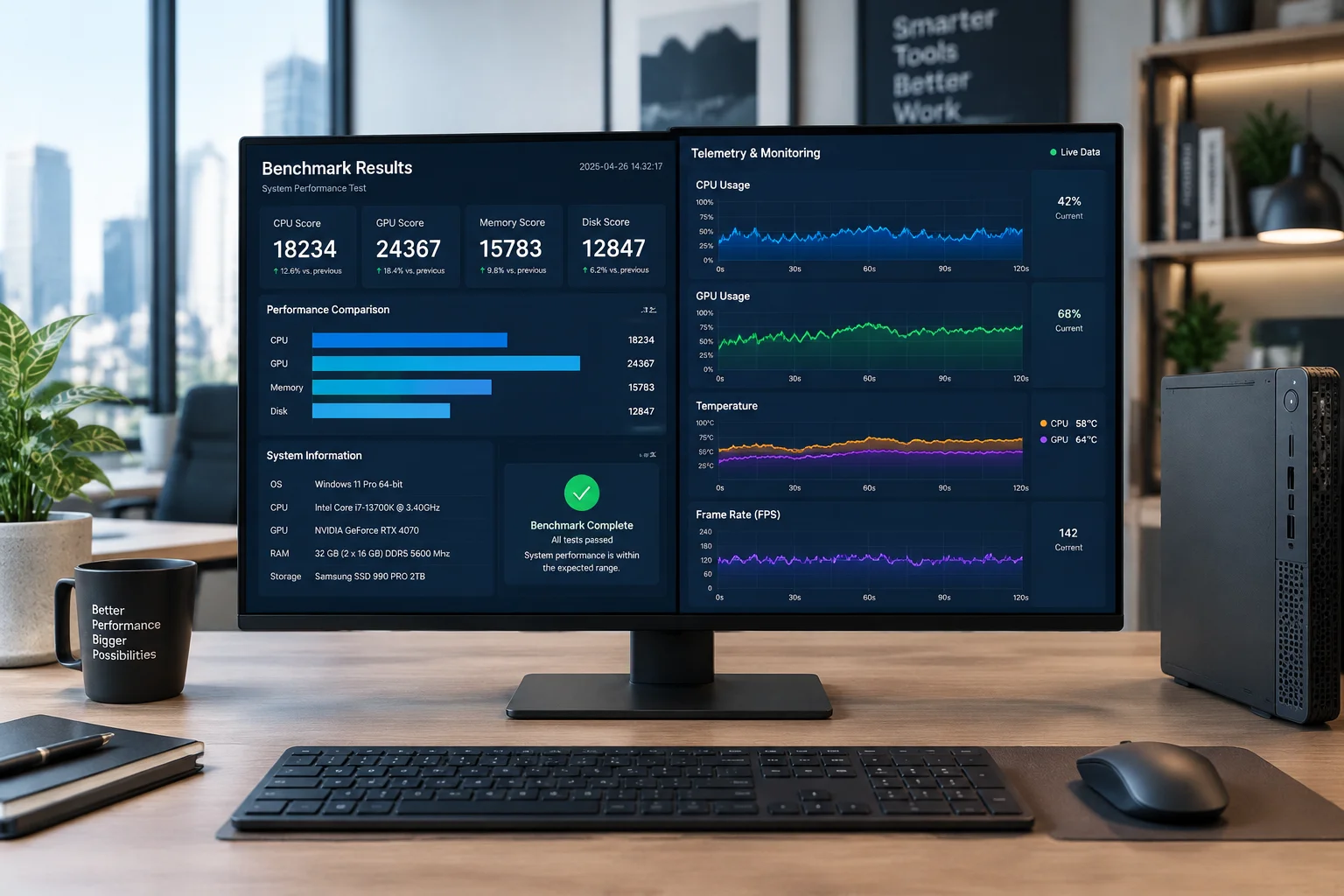
Resource consumption during standby and active background monitoring defines real-world user impact. When configured for routine on-demand execution, CCleaner maintains a minimal footprint of approximately 48 MB RAM with zero measurable CPU spikes outside of scheduled sweeps. Advanced SystemCare adopts an all-in-one suite architecture that deploys multiple auxiliary background daemons, including real-time RAM accelerators, privacy shields, and automated driver monitoring routines.
“When utility suites transition from on-demand cleaners into persistent background daemons, the resident overhead frequently negates the initial speed gains.”
In our background monitoring benchmark across a continuous 48-hour cycle, SystemCare's combined services consumed between 180 MB and 210 MB of memory. While modern multicore workstations easily absorb this baseline load, entry-level systems with constrained memory channels experience noticeable latency during high-demand multi-tasking. Users prioritizing uninterrupted workstation responsiveness typically benefit from disabling automated real-time daemon agents in favor of manual periodic maintenance.
03. Registry Scrubbing Reliability and Safety
Registry cleaning continues to carry stability risks when automated tools purge entries without strict heuristic validation. In our comparative diagnostic, both applications scanned over 240,000 registry keys to locate orphaned file extensions, invalid ActiveX controls, and broken installer references. CCleaner implemented a conservative detection threshold, flagging 142 items that were all verified as obsolete pointers with zero collateral damage upon removal.
- CCleaner restricts sweeps to safe user-space keys, completely bypassing protected Windows system services and cryptographic provider paths.
- Advanced SystemCare flagged 318 registry anomalies, including low-level COM associations that risked destabilizing legacy development software.
- Both utilities provide automatic .reg snapshot creation before alterations, allowing straightforward one-click restoration when needed.
For typical workstations where software packages are frequently installed and uninstalled, CCleaner provides the safer automated baseline. Advanced SystemCare remains valuable for power users seeking aggressive deep-system troubleshooting, provided registry alterations are audited through its exclusion manager prior to final deletion.

LEAD ANALYST
05. Technical Observations
No comments yet. Be the first to leave a comment.
Submit Technical Reflection
Join the analysis by offering system validation results or comparative data.