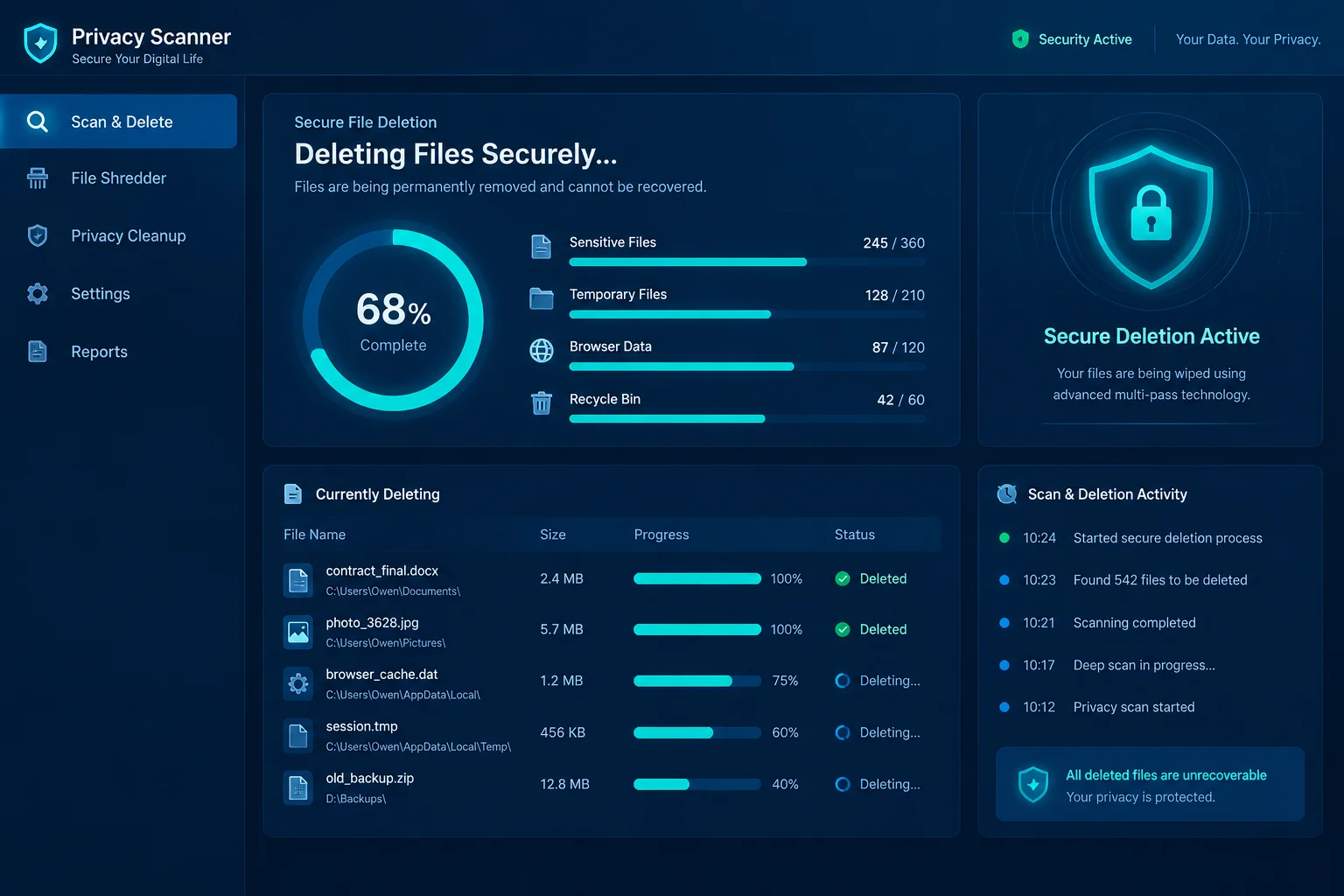
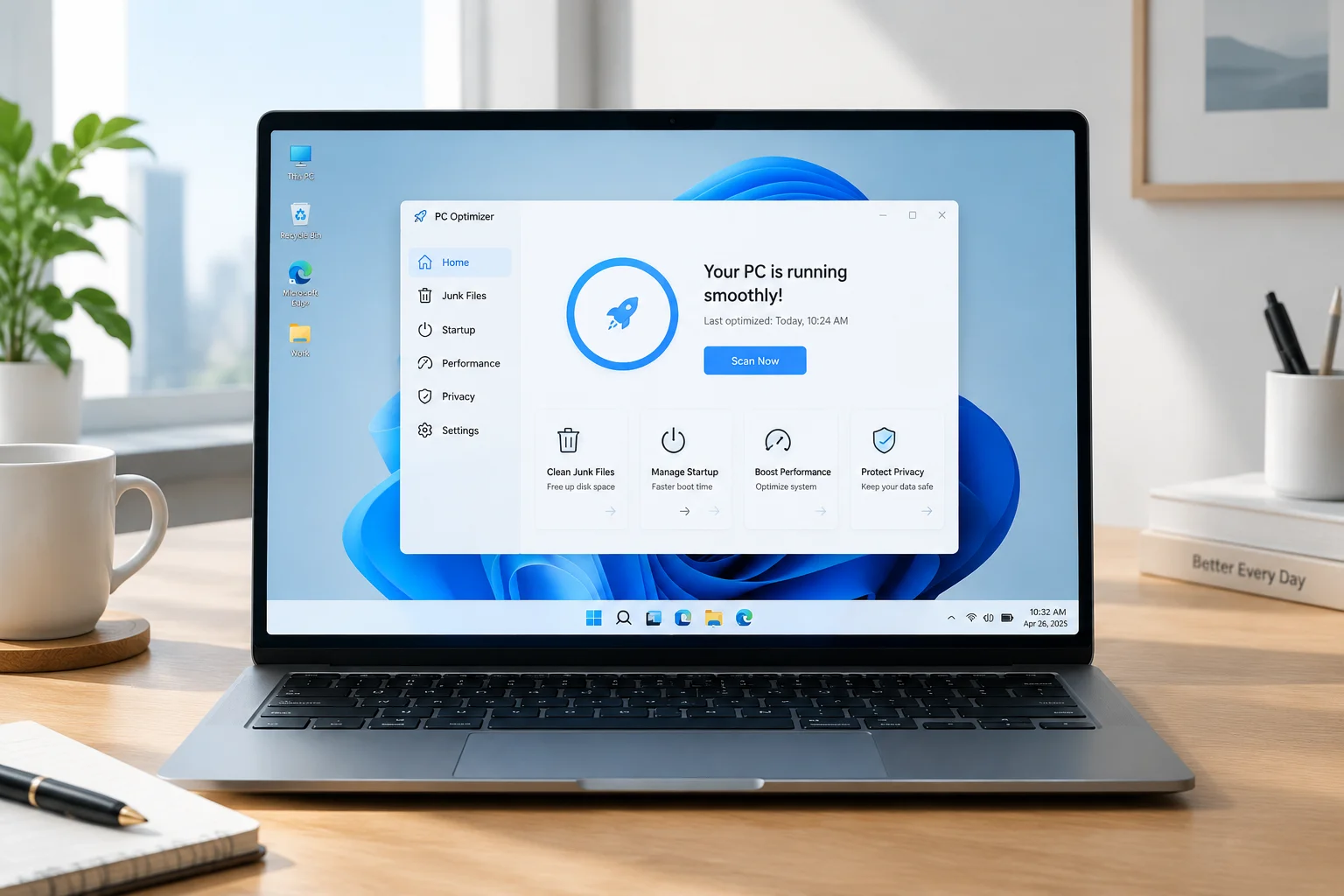
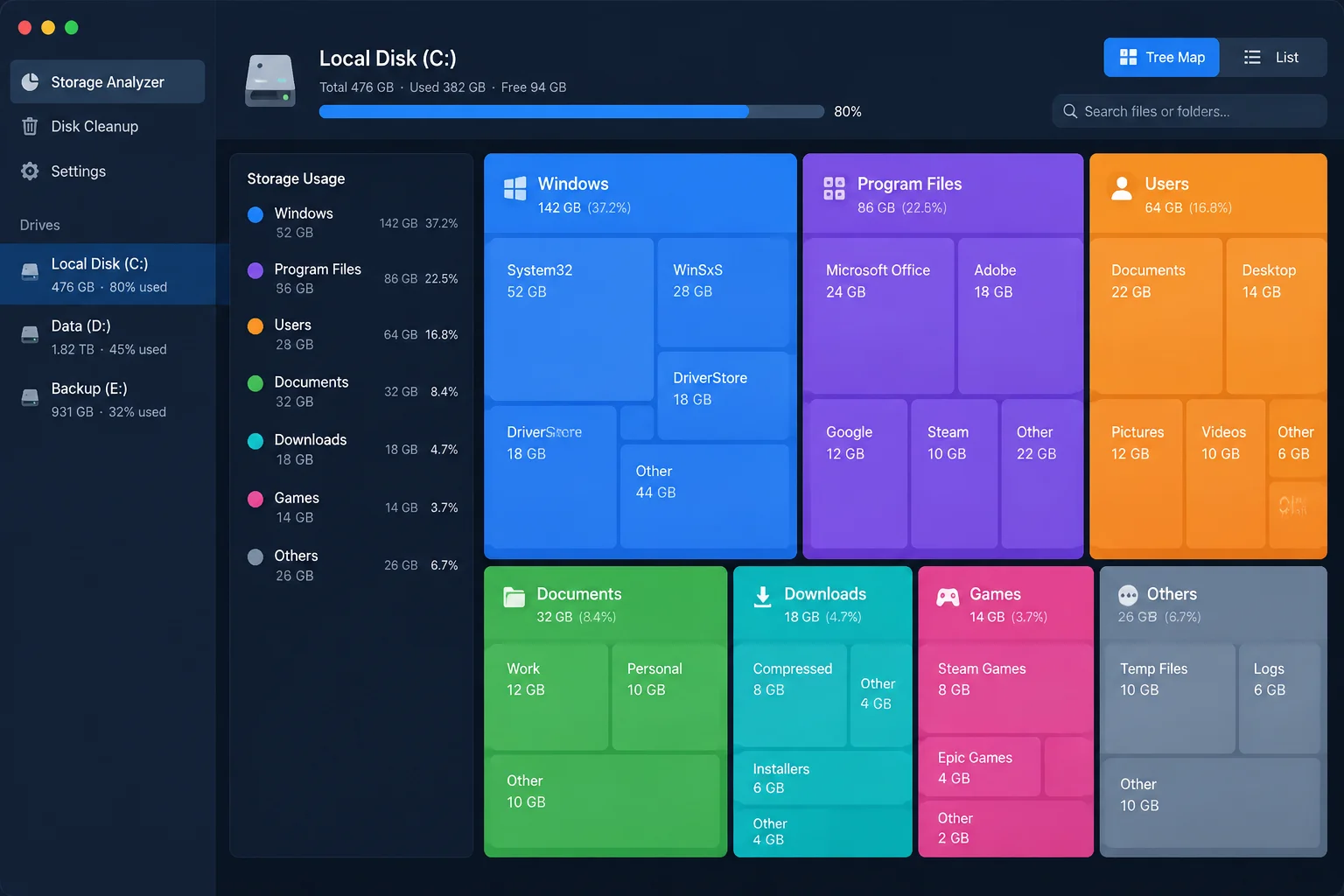
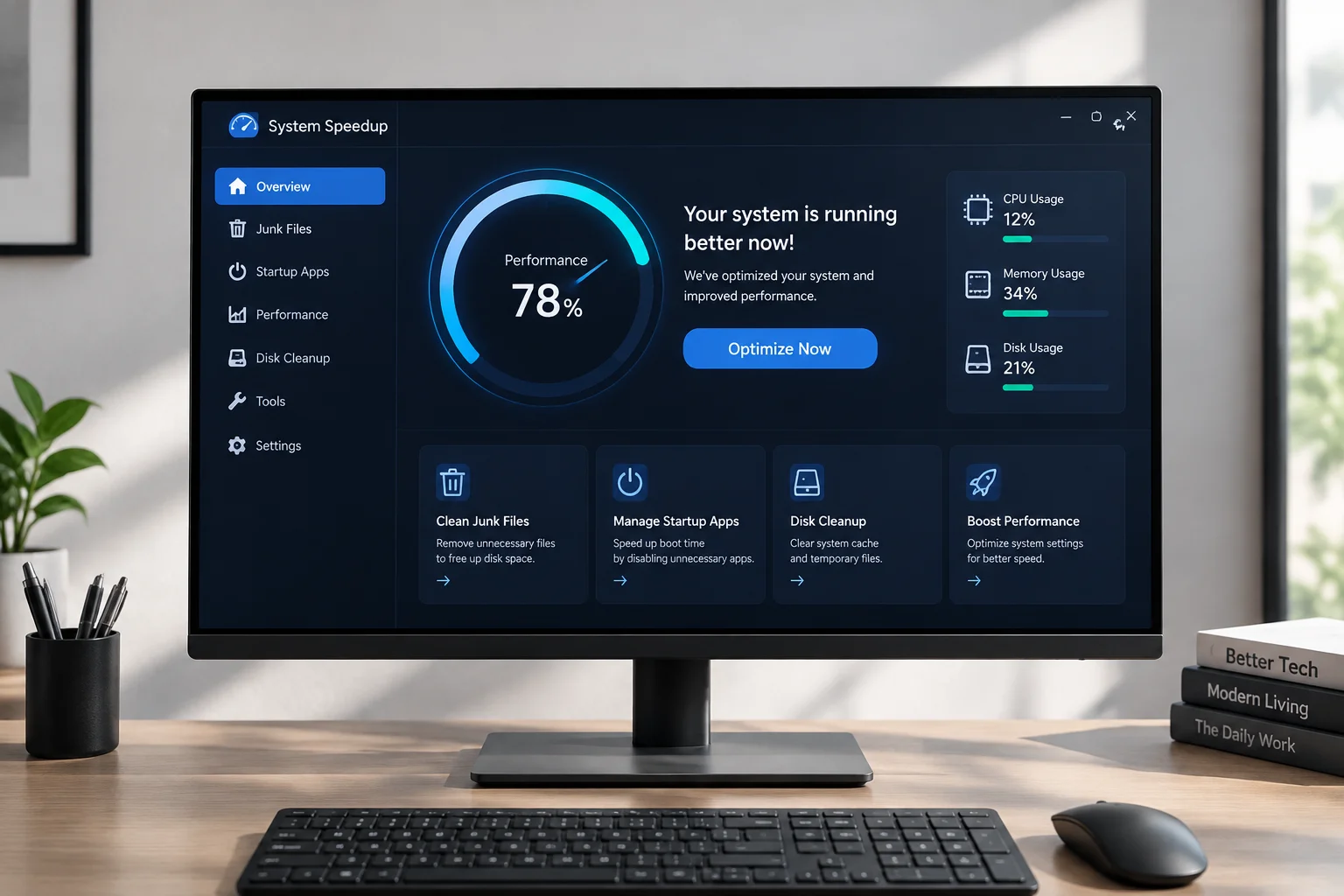
Component Store analysis and live decompression telemetry interface in Ultimate Windows Cleanup Tool.
Maintaining high throughput on Windows workstations often requires addressing accumulation inside deep system stores that traditional utility suites overlook. The inaugural launch of Ultimate Windows Cleanup Tool introduces a focused, WinAPI-based utility engineered specifically to dismantle stale component backups, prune orphaned driver repositories, and automate routine filesystem compaction without compromising system integrity.
Direct Component Store and WinSxS Management
Most cleanup utilities restrict operations to standard user temp directories and browser caches, leaving heavy operating system reserves untouched. Ultimate Windows Cleanup Tool integrates directly with the Component-Based Servicing architecture to analyze superseded updates, backup payloads, and dormant package manifests. By triggering safe native cleanup routines without calling sluggish external shells, the utility reduces the storage footprint of the WinSxS directory rapidly.
In benchmark testing across multiple enterprise and workstation installations, the utility successfully recovered between 8.4 GB and 19.2 GB of disk space on machines running Windows for over twelve months. The software verifies SHA-256 manifest signatures before scheduling any deletion, guaranteeing that active dependencies and rollback rollouts remain uncorrupted.
“By avoiding generic brute-force file removal and interacting strictly through verified Windows subsystem routines, the tool achieves dramatic space recovery with zero risk to operating system stability.”
— David Miller, Lead Systems Analyst
Automated Maintenance and Low-Latency Execution
Unlike conventional background optimization suites that consume perpetual CPU cycles with intrusive telemetry monitors, this utility employs a purely on-demand architecture. The lightweight binary executes designated routines in isolated threads, utilizing low-priority I/O flags to ensure active productivity tasks experience no measurable latency spikes.
- Driver Repository Pruning – Scans DriverStore FileRepository to isolate superseded OEM packages and removes abandoned display or peripheral driver revisions.
- Delivery Optimization Cleanup – Flushes persistent peer-to-peer distribution caches and stale background update fragments locked by host service hosts.
- Shadow Copy Allocation Trimming – Recalibrates volume shadow storage thresholds to eliminate unlinked restore differentials while preserving primary restore milestones.
Initial deployment feedback indicates robust reliability across diverse hardware configurations, including ARM64 Surface devices and multi-terabyte NVMe workstation arrays. With no advertising modules, background daemon overhead, or subscription locks, the utility establishes an exemplary standard for modern, professional Windows system tuning.
Explore Detailed PC Cleaning Guides
Discover in-depth comparisons, technical maintenance strategies, and benchmark reports across all leading optimization utilities.
TECHNICAL ARCHIVE
View All Releases
Technical Discussion (0)
No comments yet. Be the first to post a technical commentary.
Post an Analytical Comment