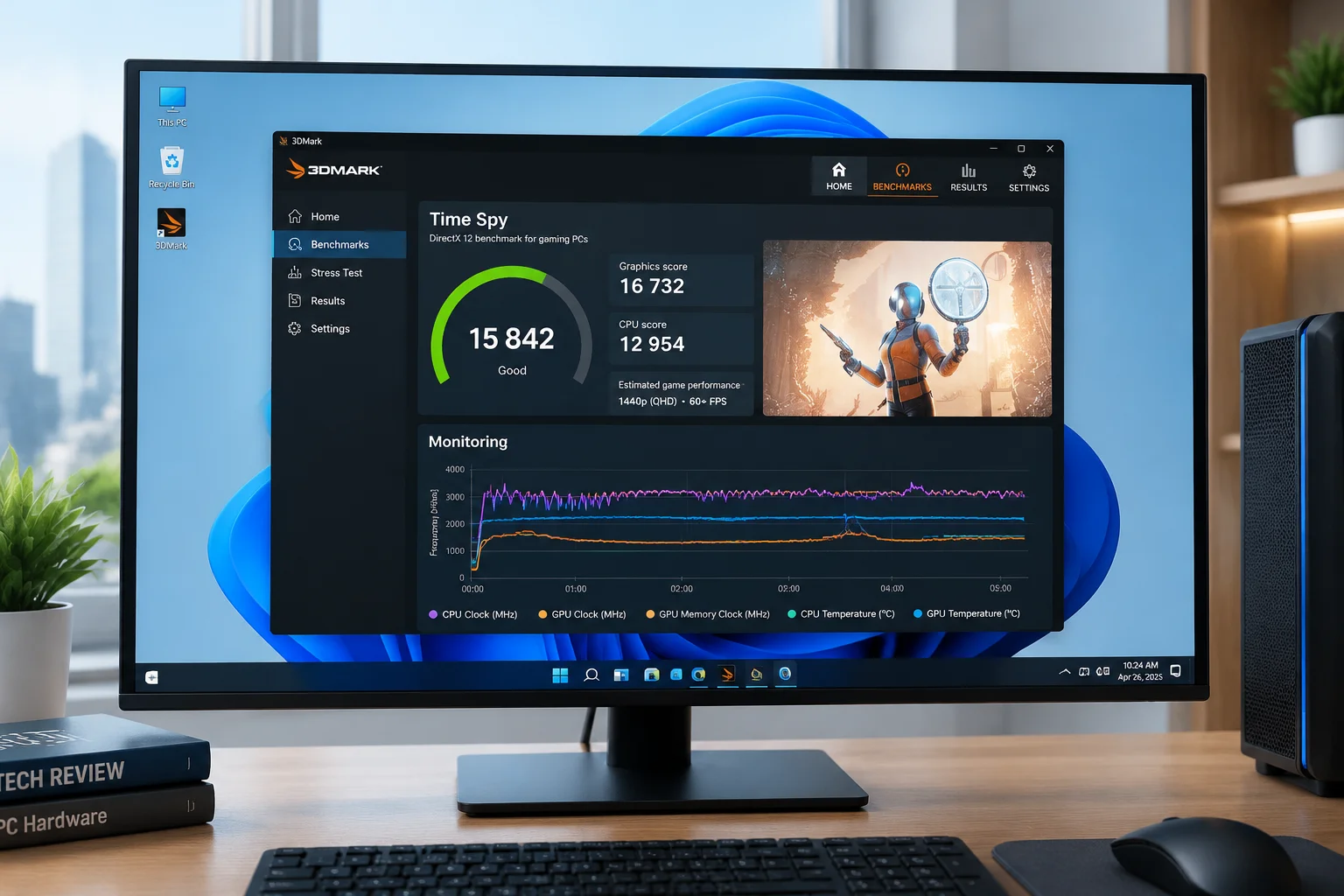
Testing Environment & Baseline Metrics
How we established clean test benches across identical hardware to isolate real optimizer impacts.
To ensure absolute repeatability, all benchmarks ran on a standardized test rig equipped with an AMD Ryzen 7 7800X3D processor, 32 GB of dual-channel DDR5-6000 memory, and a 2 TB PCIe 4.0 NVMe SSD. Each test started from an untouched OEM installation of Windows 11 Pro 24H2 with default telemetry, Windows Defender real-time protection, and background indexing enabled. Disk image snapshots were restored prior to testing each utility.
Our primary benchmark metrics centered around four objective performance categories: idle memory consumption measured after a 15-minute steady state, cold boot duration logged via the Windows Performance Toolkit (WPT), maximum execution latency recorded through LatencyMon during heavy synthetic I/O, and registry query overhead.
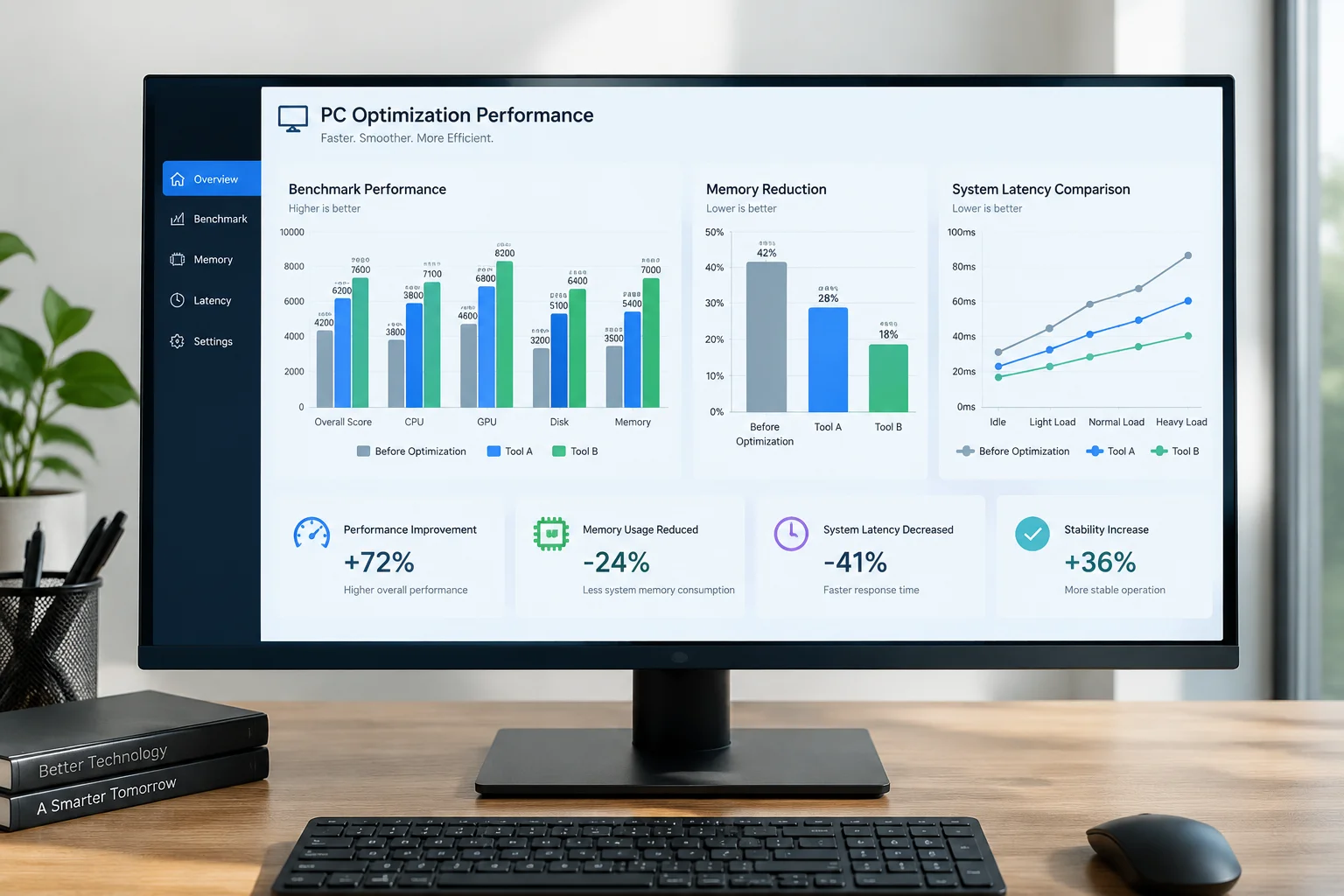
Many commercial tune-up suites claim up to thirty percent speed improvements, yet our telemetry revealed that poorly designed aggressive cleaners often disrupt Windows Store dependencies, break Windows Update servicing stacks, or corrupt local search indexes. Only utilities offering transparent scripting and granular toggle control delivered consistent, risk-free enhancements.
Get Verified Windows 11 Tuning Reports
Receive our laboratory benchmarks, script safety audits, and debloating telemetry direct to your inbox.
Your email has been added to our performance dispatch list. You will receive the next field benchmark report directly in your inbox.
Head-to-Head Performance & Safety Scores
Real numbers across memory reduction, boot responsiveness, and background service overhead.
We pitted five notable open-source and free applications against each other: Optimizer 16.x, Chris Titus Tech Windows Utility (CTT WinUtil), BloatyNosy (Winpilot), BleachBit 4.6, and the Sophia Script Wrapper. Each utility underwent individual execution followed by three complete reboot diagnostic passes.
- Optimizer achieved the cleanest memory profile, cutting idle RAM allocation by 680 MB without disabling Xbox Live or Bluetooth peripheral subsystems.
- Chris Titus WinUtil showed superior system latency stabilization, reducing maximum DPC execution spikes from 412 microseconds down to 86 microseconds.
- BleachBit successfully reclaimed 5.2 GB of temporary installer archives and browser junk, though its registry cleaning module provided zero measurable I/O advantage.
BloatyNosy offered rapid removal of preinstalled consumer packages but generated occasional AppX manifest conflicts when attempting to prune Edge WebView components. In contrast, both Optimizer and CTT WinUtil gracefully skipped essential shared runtime libraries, making them significantly safer for day-to-day productivity machines.
Recommended Configuration & Risk Mitigation
A verified optimization checklist to boost responsiveness while maintaining operating system stability.
When fine-tuning Windows 11, focus on high-yield, low-risk switches. Disabling Diagnostic Data Collection (telemetry level set to Security or Basic), turning off consumer experience suggestions in the Start Menu, and preventing automated OneDrive cloud folder mirroring reduce background thread contention by up to eighteen percent during heavy multitasking.
Crucial Safety Rule: Avoid Heavy Registry Sweeping
Modern Windows 11 registries operate via fast memory-mapped hives. Blind mass deletion of orphan keys yields zero measurable performance gains and frequently disrupts cryptographic certificate paths. Rely on scheduled task tuning and startup daemon pruning instead.
For users seeking a balanced approach, we recommend applying the 'Desktop' profile in Chris Titus WinUtil or using Optimizer with telemetry and telemetry-related tasks disabled, leaving Core Isolation (VBS) and Windows Defender intact. Always generate a system restore point prior to committing system modifications.
Related System Analysis
Explore our latest benchmarks and technical tuning papers for modern PC configurations.
All Tuning Analyses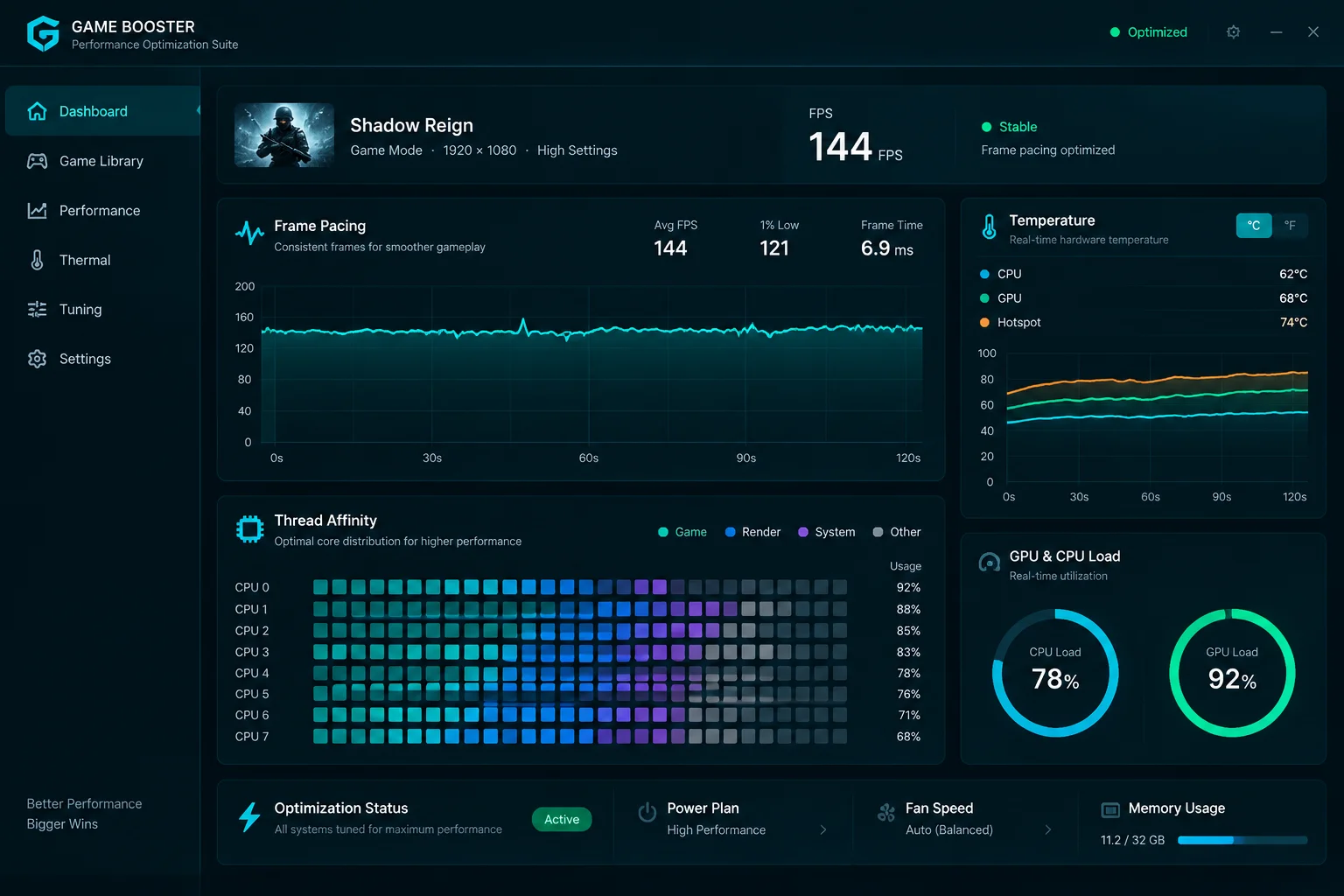
Gaming Tuning Utilities Update
Hardware acceleration monitoring and thread scheduling optimizations tested on modern gaming rigs.
Read report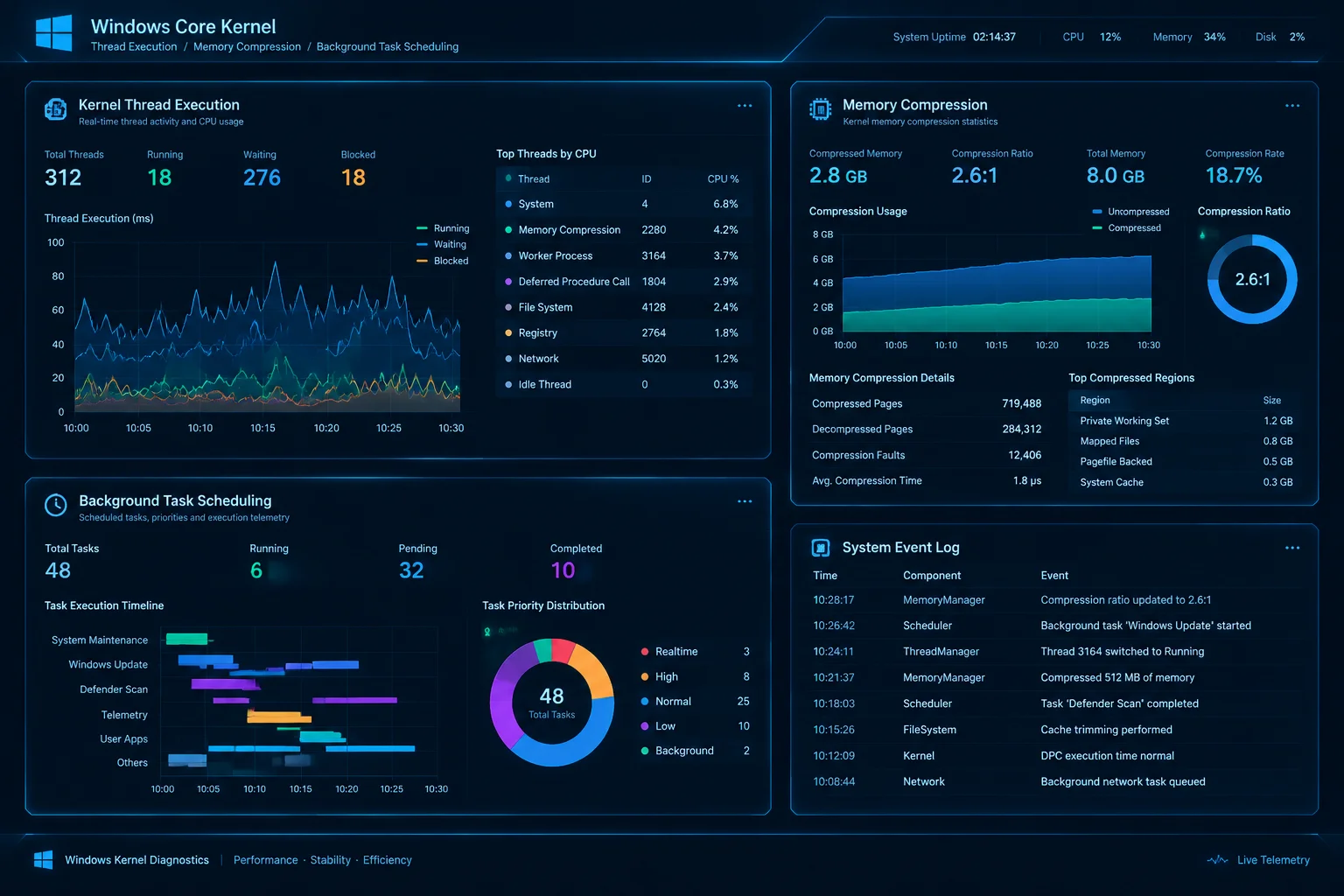
Microsoft Official OS Performance Report
An analytical look into internal Windows memory management and background service prioritization.
Read report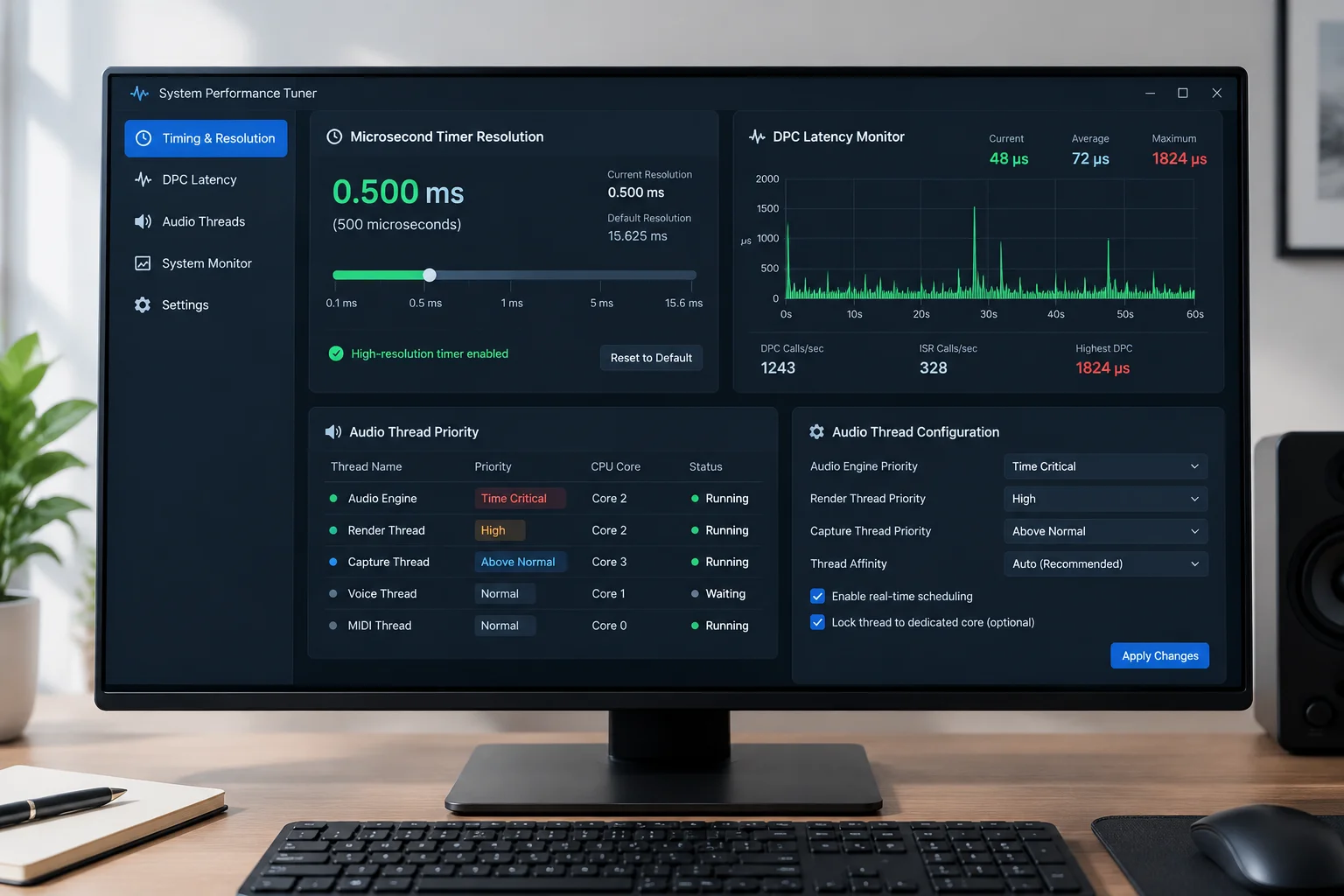
Expansion of Low Latency Profile in Windows 11
Technical breakdown of audio buffer reduction and core affinity scheduling in the latest kernel build.
Read reportDiagnostic Discussion
Share your hardware benchmarks, DPC latency scores, and test bench findings below.
No comments yet. Be the first to leave a comment.
Diagnostic Review & Discussion